
Properties spread across the region
Daily issues are handled remotely. Equipment and connectivity work at a specific property is grouped into planned site visits.
IT support for Tacoma property management teams across the South Sound. Everyday problems are handled remotely, and equipment or network work at each property is grouped into planned visits.
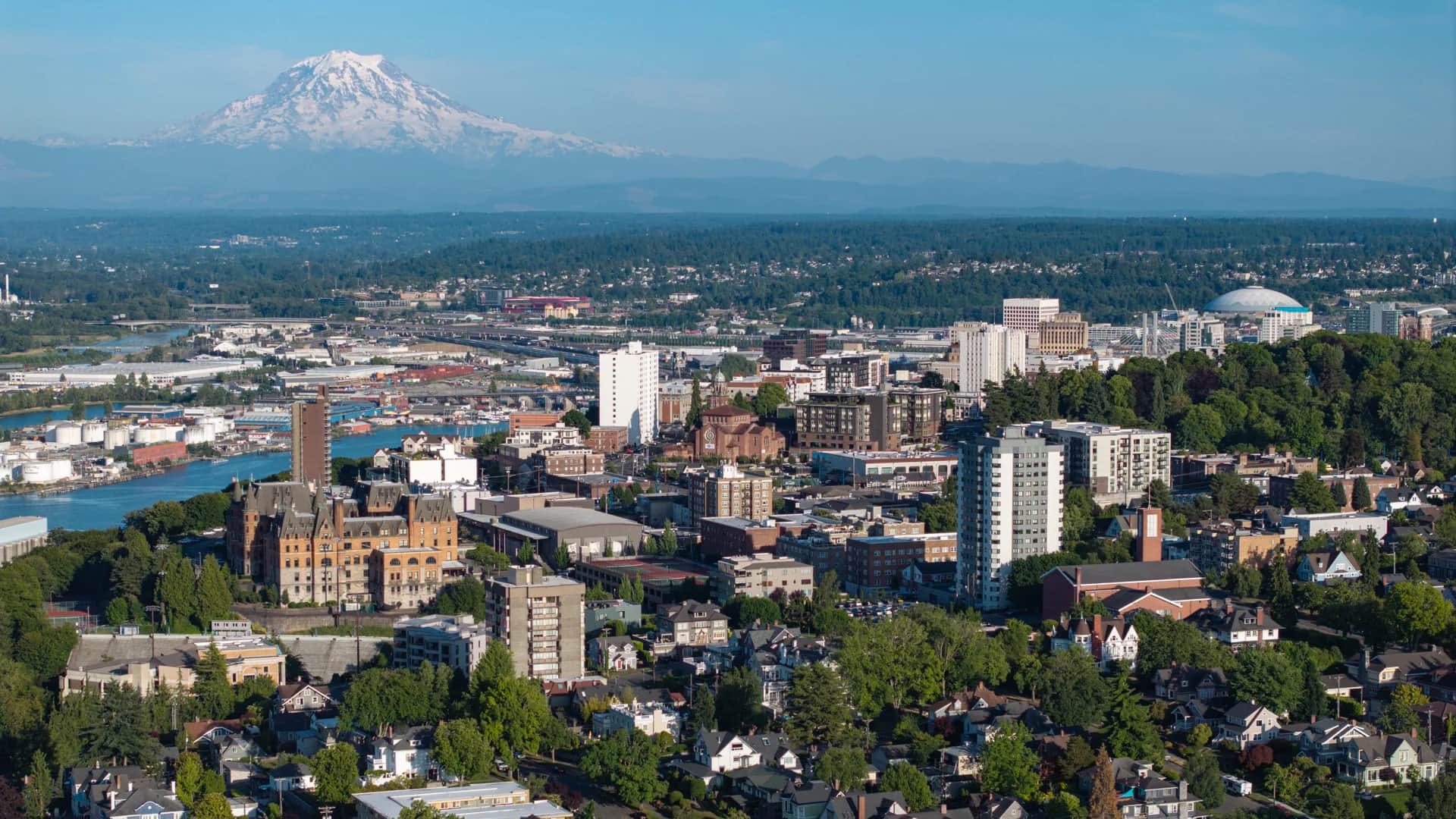
Managed IT services in Tacoma give your staff a dependable place to get help. We look after the people, properties, computers, accounts, networks, and business systems behind daily property management work.
For property management firms in Tacoma, Lakewood, University Place, Puyallup, Gig Harbor, Auburn, and the wider South Sound region.
Property teams spread across Tacoma and nearby communities get everyday issues handled remotely and location work scheduled with care.
Daily issues are handled remotely. Equipment and connectivity work at a specific property is grouped into planned site visits.
Leasing, maintenance, and operations staff get the same device and account support wherever they work that day.
Name who owns internet, equipment, and software at each property before a project or transition. A vCIO can help you budget for upgrades and schedule them across your Tacoma and South Sound sites.
Explore vCIO roadmaps and budgetingService area: Downtown Tacoma, Lakewood, University Place, Puyallup, Gig Harbor, Federal Way. Service areas are not office locations.
One team for daily support, security, and change. Pick the service that matches what you need now.
One place for staff to get help with computers, accounts, email, printing, and recurring problems, plus ongoing IT administration.
We plan mailbox and file moves and support SharePoint, shared mailboxes, Teams, and employee access for Tacoma property teams.
We review sign-in protection, employee access, shared mailbox permissions, suspicious forwarding rules, and payment-related email risks.
We coordinate UniFi, Wi-Fi, switching, printers, and internet-provider work at Tacoma and South Sound properties, and document each network for later remote troubleshooting.
Know what is backed up, who owns each backup, how restores are tested, and what recovery depends on before something fails.
We coordinate approved accounts, devices, mailbox access, and permissions for new staff, and remove access when people leave.
Published case studies covering property portfolios, server recovery, and workflow automation. Each one states what was in scope, what ArcTechOne did, and what changed.
30+properties moved to new, managed computers
ArcTechOne replaced computers and monitors across 30+ properties and implemented OneDrive, Microsoft Entra ID, and Intune to improve productivity and security.
Read the case study20+properties on one UniFi network standard
How ArcTechOne standardized UniFi, Wi-Fi, and ISP service across 20+ properties to improve network visibility, remote access, speed, reliability, and documentation.
Read the case study1 loginper employee, kept across property moves
How ArcTechOne replaced property-local accounts with standardized Microsoft Entra ID identities and Intune management, so staff keep one secure login when they change properties.
Read the case studyESXihost startup recovery
ArcTechOne helped a customer get back online after their VMware ESXi host had problems starting. A completed example of server recovery support.
Read the case study1 weekof email checked by an automation
ArcTechOne created an automation that checked email over a one-week period and generated a report, connecting an email review task with an automated output.
Read the case studyA Seattle property management CFO has independently reviewed ArcTechOne's managed IT support, network consolidation, and cloud migration.
Read the review on Clutch
You do not need to diagnose it first. Tell us who is stuck, where they work, and what changed.
Start with the task and the people affected. A one-off project, ongoing support, and extra help for your own IT person are scoped differently.
Staff may work at an office, a property, and home in the same day. We start with the device, account, connection, and task, so support follows the employee.
Explore managed IT and helpdeskBefore the handover, we identify ISP contacts, network credentials, equipment owners, shared accounts, and employee access. Visits to each location are planned against the transition date.
Plan an IT projectSupport starts at $150 per hour. Labor and third-party technology costs are separate, and no long-term managed contract is required. Share your users, locations, systems, and deadlines to set scope.
See pricing and scopeWhat happens after you get in touch.
Call or send a short note saying who is affected, where they work, and any deadline. No diagnosis needed. A person replies within one business day.
We troubleshoot the problem and work with your internet provider, software company, or printer vendor when their help is needed.
We write down what we changed and flag problems that keep coming back, so the next fix starts with the full picture.
Short answers before the first conversation.
Yes. ArcTechOne provides managed IT and IT support for Tacoma property management companies. That includes helpdesk, devices, Microsoft 365, accounts, networks, cybersecurity, vendor coordination, and planned on-site work.
Yes. ArcTechOne can be the main place your property management team goes for support, or work alongside internal IT under a defined co-managed arrangement.
Yes. Support can include Entra ID accounts, Exchange Online, Outlook, shared mailboxes, Teams, SharePoint, OneDrive, MFA, permissions, and onboarding and offboarding changes.
Yes. ArcTechOne serves property management companies across Tacoma and the wider Puget Sound region. We shape the support around your locations and how you work.
Yes. We can help identify and coordinate the account, equipment, access, internet, and vendor changes a transition may require.
Yes. We can support the devices, accounts, access, and collaboration tools maintenance staff rely on, based on the systems and routines you already have.
ArcTechOne support starts at $150 per hour. Third-party licensing, security, backup, and cloud costs are separate. The estimate depends on users, locations, systems, site work, and project scope. No long-term managed contract is required.
Tell us your city, number of staff and locations, the main issue or upcoming project, whether you have internal IT, and any deadline. Do not send passwords or confidential resident information. We use that to discuss scope and the next step.
No. ArcTechOne can scope hourly support, a project, or a co-managed arrangement, and no long-term managed IT contract is required. Labor starts at $150 per hour. Licensing, hardware, and recurring third-party tools are separate. Confirm the scope and any planned site work before starting.
Start with your current provider agreement, a list of offices and properties, company-owned administrator accounts, vendor contacts, and known deadlines. Agree on the handoff, access transfer, and testing before removing the outgoing provider. Share credentials only through an agreed secure process, not the inquiry form.
Yes. We scope the locations, employee devices, Microsoft 365 access, printers, Wi-Fi, ISP dependencies, and vendor contacts together, then test the leasing workflows after installation. ArcTechOne's completed portfolio projects include a computer and monitor refresh across 30+ properties and UniFi, Wi-Fi, and ISP standardization across 20+ properties.
Start with the issue, upcoming change, or project. A person replies within one business day with a clear next step.